
Return to Computer Keyboard Typing and Trackpad Use After Wrist Surgery
In short
Desk professionals face unique wrist strain when returning to computer work post-surgery. Learn ergonomic keyboard setup, trackpad adaptations, and micro-break drills.
In this guide (4 sections)
In modern urban economies, computer keyboard data entry and trackpad navigation constitute the primary occupational physical demands for millions of knowledge workers, software developers, and corporate professionals. Following surgical open reduction internal fixation (ORIF) or cast immobilization for a distal radius fracture, returning to an eight-to-ten-hour desk workstation presents substantial ergonomic challenges. Prolonged typing requires sustained isometric contraction of the wrist extensors (extensor carpi radialis longus and brevis) to hover the hands above keys, combined with static ulnar deviation and forearm pronation. If an employee returns to full-time computer work without structured ergonomic adaptations, progressive tendon loading, and scheduled micro-breaks, they risk developing reactive tenosynovitis, carpal tunnel irritation, and chronic hardware discomfort.
Monsoon Wet Floor Falls, Two-Wheeler Skids, and Traditional Indian Cooking Rebuilding
In Indian technology hubs such as Bengaluru, Hyderabad, Pune, and Gurugram, software professionals frequently work grueling schedules on compact laptops without external peripherals. Following a wrist fracture sustained during a monsoon two-wheeler skid or a slip on wet domestic tiles, workers often face intense pressure to resume coding and email communication. Using a flat laptop keyboard forces the forearms into extreme pronation and the wrists into twenty degrees of static extension and ten degrees of ulnar deviation. Furthermore, operating smooth glass trackpads requires repetitive finger swiping and pinching that strains the healing radiocarpal joint. Patients report burning dorsal wrist fatigue, aching over the volar surgical plate scar, and numbness in the fingertips after just two hours of typing, threatening their productivity and career momentum.
Colles Malunion Mechanics, Palmer TFCC Classification, and DRUJ Instability
The biomechanical stress of computer workstations concentrates across specific anatomical structures. Typing with extended wrists elevates resting hydrostatic carpal tunnel pressure from a normal baseline of five millimetres of mercury up to thirty millimetres of mercury, compromising microvascular perfusion to the median nerve. Furthermore, resting the ventral wrist crease directly on a hard desk edge or gel wrist pad compresses the recently healed surgical incision, irritating the palmar cutaneous branch of the median nerve and creating friction across flexor tendons passing over the volar plate. Sustained ulnar deviation compresses the triangular fibrocartilage complex (TFCC) against the ulnar head, provoking ulnocarpal impingement. Restoring ergonomic neutrality (zero to ten degrees of extension, zero ulnar deviation) is essential to minimize tendon excursion shear.
Dart-Thrower Motion, Thermoplastic Splint Weaning, and Progressive Putty Loading
A structured ergonomic return-to-work protocol follows clear progression phases. Phase 1 (Weeks 4 to 6 post-ORIF) introduces short fifteen-minute typing blocks using an external split keyboard with negative tilt (sloping downward away from the body) and an ergonomic vertical mouse. Vertical mice position the forearm in neutral rotation (handshake posture), eliminating static pronator quadratus strain. Phase 2 (Weeks 6 to 8) increases typing blocks to forty-five minutes, enforcing the 20-20-20 micro-break rule: every twenty minutes, look twenty feet away for twenty seconds while performing active finger tendon glides and seated prayer stretches. Phase 3 (Weeks 8 to 12) restores full-day productivity, supported by eccentric forearm extensor strengthening with therapy putty and light dumbbells.
Seated Ergonomic Tendon Gliding and Forearm Desensitization Reset
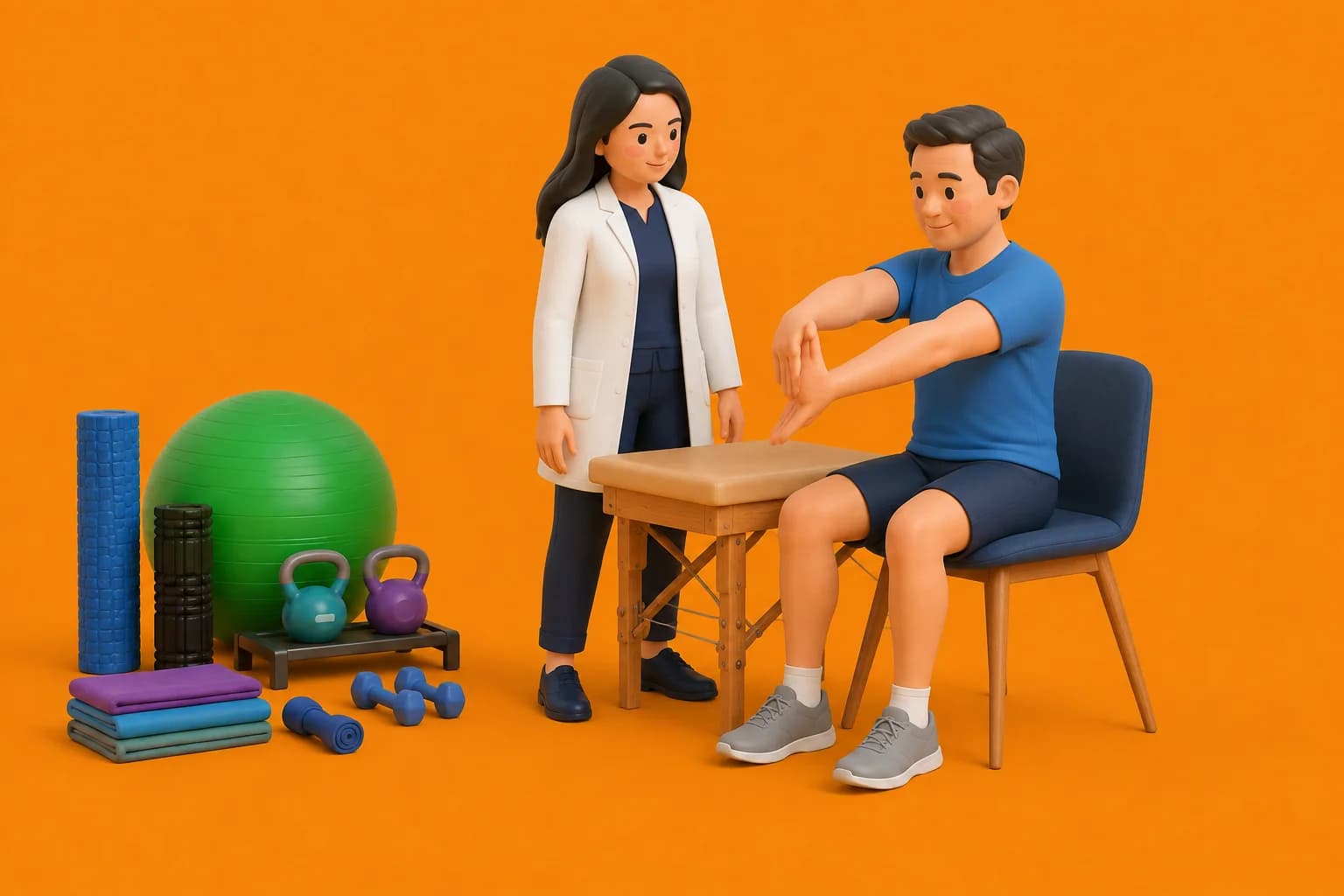
Objective: Relieve carpal tunnel pressure and prevent extensor tendon shortening during prolonged desk typing
- 1Sit upright in your office chair with your feet flat on the floor, pushing your keyboard and mouse back to clear desk space.
- 2Extend both arms straight out in front of you at shoulder height with your palms facing downward.
- 3Slowly curl your fingers into a hook fist, hold for 3 seconds, then spread your fingers as wide apart as possible for 3 seconds.
- 4Rotate your forearms outward until your palms face upward toward the ceiling, feeling a gentle stretch through the front of your wrists.
- 5Gently drop your hands to your sides and shake them loosely for 5 seconds to encourage capillary blood flow before resuming typing.
| Workstation Element | Standard High-Strain Setup | Ergonomic Post-Fracture Adaptation |
|---|---|---|
| Keyboard Alignment | Flat laptop keyboard with positive tilt; forces extreme pronation, wrist extension, and ulnar deviation. | Split ergonomic keyboard with slight negative tilt (sloping down); maintains neutral wrist and forearm alignment. |
| Mouse and Pointer Interface | Flat trackpad or standard horizontal mouse; requires repetitive finger swiping in full pronation. | Ergonomic vertical mouse (handshake posture); transfers movement from the wrist to the larger shoulder girdle. |
| Palm and Wrist Support | Resting carpal tunnel directly on firm gel pads; compresses the surgical scar and raises canal pressure. | Resting the palm/thenar eminence only during pauses; wrists must hover freely while actively typing. |
| Work Pacing and Breaks | Continuous 3 to 4-hour typing marathons without postural shifts or movement breaks. | Structured 60-second active tendon-gliding micro-breaks every 45 minutes; gradual ramp-up of daily hours. |
Never ignore persistent numbness or pins-and-needles developing in your thumb, index, or middle fingers during computer typing. This indicates that elevated carpal canal pressure is compressing the median nerve. Adjust your chair height so your forearms slope slightly downward, hover your palms while typing, and seek clinical evaluation if symptoms persist.
Frequently Asked Questions
Can I use a wrist rest or gel pad directly under my surgical scar while typing?
No, you should never rest the soft underside of your wrist or surgical scar directly against a gel pad or desk surface while typing. Doing so exerts direct external pressure on the carpal tunnel and median nerve, restricting blood flow and causing tingling. If you use a palm support, rest the base of your palm on it only during resting pauses, keeping your hands floating freely while typing.
Do I need a doctor referral to see a wrist fracture physiotherapist on BookPhysio.in?
BookPhysio.in does not require a physician prescription. Under the National Commission for Allied and Healthcare Professions (NCAHP) Act 2021, patients across India enjoy direct access to autonomous registered physiotherapists. Through BookPhysio.in, you connect directly with verified clinicians and pay per session with transparent fees, completely free from advance package commitments, commission markups, or platform subscription charges.
Related condition guides
Related recovery guides & articles
BookPhysio.in Editorial Team
The BookPhysio.in editorial team writes and maintains this content, checking it against reliable clinical sources. Content follows our medical review policy: general information only, and no page claims a clinical review until a named registered physiotherapist has signed it off.
Read our medical review policy