
Dual Monitor Ergonomics: Primary vs Secondary Screen Angles, Neck Torsion & Cervical Spondylosis Prevention
In short
Turning your neck sideways hundreds of times a day between two computer screens wrecks your cervical spine. Learn the precise ergonomic angles to prevent chronic neck spasms.
In this guide (5 sections)
The Biomechanical Hazard of Asymmetric Neck Rotation
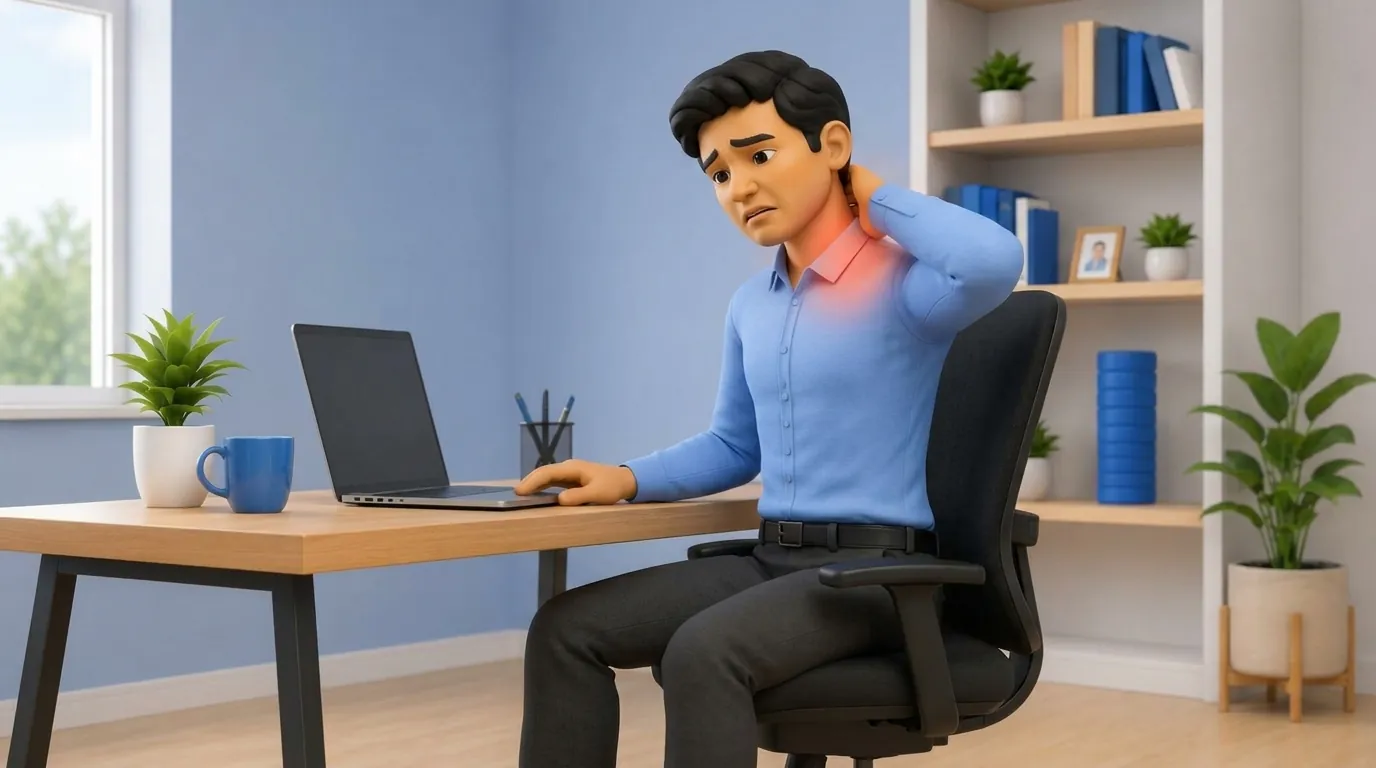
In modern knowledge work, finance, software engineering, and graphic design, multi-monitor setups are ubiquitous. However, an improperly arranged dual-screen workstation forces the cervical spine into repetitive, sustained asymmetrical rotation and lateral flexion.
Rotating the head just 20 to 30 degrees to one side for hours places high unilateral shear across the C4-C5 and C5-C6 uncovertebral joints (joints of Luschka) and the atlantoaxial joint. This chronic asymmetrical loading leads to unilateral levator scapulae shortening, sternocleidomastoid spasm, facet joint arthrosis, and cervical disc herniation.
The Two Clinical Setups: Primary/Secondary vs Equal-Use
The fundamental ergonomic rule for dual monitors is determining your usage ratio: do you use one dominant screen for 80% of your day, or do you divide your attention equally (50/50) between both screens?
Failing to match the physical layout to actual usage patterns is the primary cause of workstation-induced cervical radiculopathy.
| Configuration Type | Usage Profile | Monitor Placement Geometry | Eye vs Neck Movement Strategy | |
|---|---|---|---|---|
| Primary / Secondary Setup | 80% main screen (coding/writing); 20% secondary (slack/email) | Primary screen centered directly in front of nose; secondary angled 30 deg to dominant eye side | Keep head straight; move eyes or swivel entire chair for secondary | |
| Equal-Use Dual Setup (50/50) | 50% split (data entry, spreadsheets, document comparison) | Seam where bezels meet positioned directly in front of nose; both angled in a subtle V-shape (15-20 deg) | Rotate eyes within a 35 deg cone; avoid sustained end-range neck torsion | |
| Laptop + External Monitor | Laptop used as secondary below main screen | Elevate laptop on a riser to match external monitor height, or use laptop closed with dual external displays | Never look down at a flat desk laptop while glancing up at a high screen |
The 35-Degree Comfortable Eye Scan Cone
Human visual physiology is designed to scan within a 35-degree horizontal cone (17.5 degrees left and right) through eye movement alone without requiring neck rotation.
Monitors should be angled inward toward the user in a gentle semi-circle (matching the curvature of peripheral vision) so that viewing distances remain equidistant from the cornea to all screen sectors.
- The Swivel Chair Rule: When transitioning attention to a secondary screen, swivel the entire ergonomic chair with your feet rather than twisting only your neck.
- Matching Screen Heights and Resolutions: Ensure both displays are adjusted to identical vertical heights and scaling so the eyes do not have to refocus or jump vertically across windows.
- Levator Scapulae Active Neck Stretches: Perform chin-to-armpit gentle stretches during breaks to decompress the overworked contralateral levator scapulae muscle.
Integrating Screen Placement with Lighting and Document Holders
Place document holders directly between the keyboard and the primary monitor, minimizing the vertical bobbing motion of the head between paper notes and digital displays.
Frequently Asked Questions
Where should the seam between two equal monitors be placed?
If you use both screens equally (50/50), the exact seam where the inner edges meet should be centered directly in front of your nose, with both monitors angled inward slightly toward you like an open book.
Can looking sideways at a second monitor cause shoulder blade pain?
Yes. Sustained sideways neck rotation chronically tightens the levator scapulae muscle, which attaches from the upper cervical vertebrae directly into the top edge of your shoulder blade, causing sharp stabbing knots.
Is a single ultra-wide curved monitor better than dual monitors?
For many users, yes. A curved 34-inch or 49-inch ultra-wide monitor provides continuous workspace without bezel gaps, and its consistent curvature reduces the need for awkward neck torsion.
Related condition guides


Related recovery guides & articles
BookPhysio.in Editorial Team
The BookPhysio.in editorial team writes and maintains this content, checking it against reliable clinical sources. Content follows our medical review policy: general information only, and no page claims a clinical review until a named registered physiotherapist has signed it off.
Read our medical review policy