
IT Professionals and Software Engineers: Tech Neck, Lumbar Kyphosis, and Ergonomic Sit-Stand Protocols in Bangalore and Hyderabad
In short
Prolonged screen-bound coding promotes severe forward head translation and lumbar creep; implementing the 20-8-2 sit-stand formula resets postural motor units.
In this guide (4 sections)
The Biomechanics of Forward Head Posture and Spinal Creep in IT Hubs
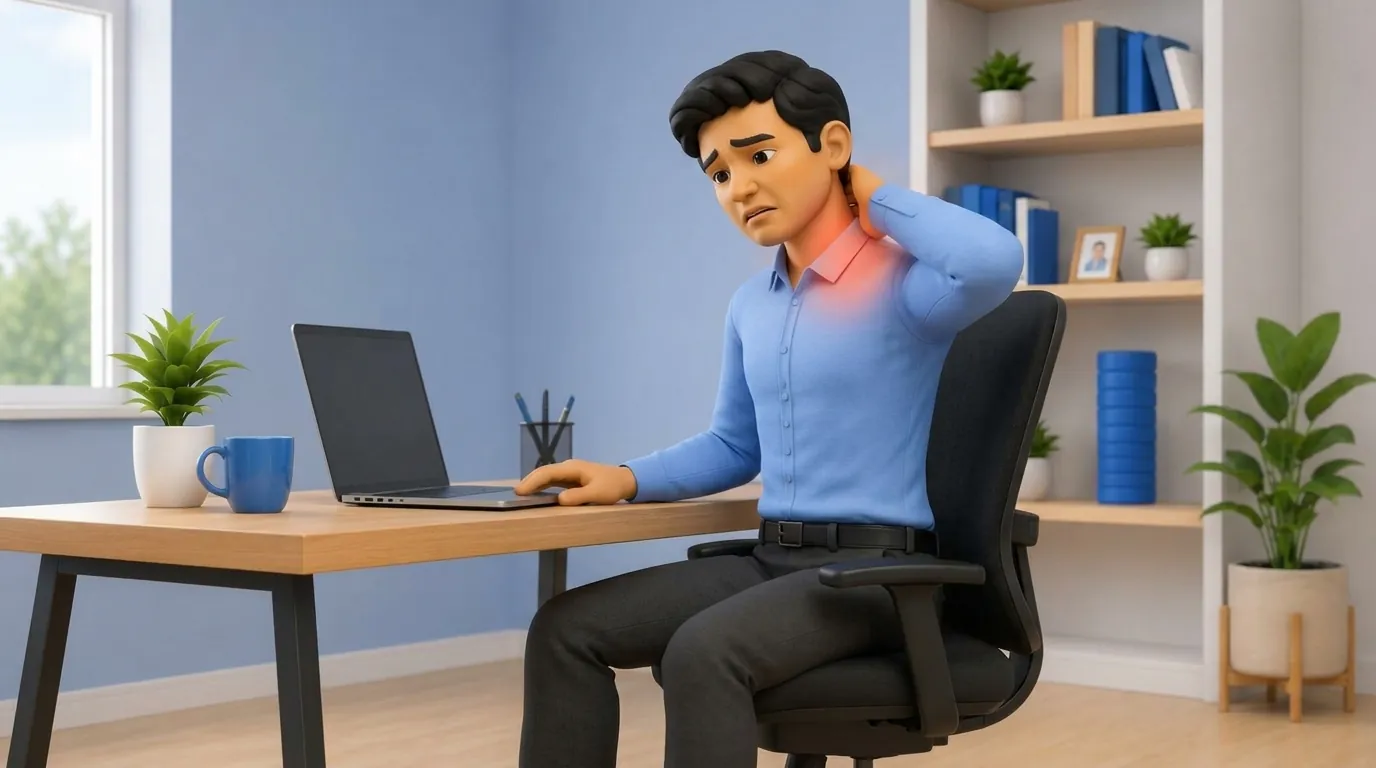
India's premier technology corridors (Bengaluru, Hyderabad, Pune, Gurugram, and Chennai) house millions of software developers, data scientists, and engineering architects who routinely work 10 to 14 hours daily seated before dual or triple computer monitors. Prolonged laptop usage fosters the classic 'Upper Crossed Syndrome' and 'Tech Neck'.
For every 2.5 cm (1 inch) that the head translates forward past the vertical plumb line of the shoulder, the effective gravitational load experienced by the posterior cervical musculature doubles. At a typical 45-degree forward neck angle (common when scrutinizing complex codebases on low laptop screens), a human head weighing 5 kg exerts an effective mechanical strain of over 22 kg across the C5-C7 spinal segments. Concurrently, prolonged static seated flexion induces viscoelastic ligamentous creep across the posterior lumbar annulus.
Workstation Ergonomics and Cervical Strain Parameters
| Ergonomic Parameter / Element | Standard Flawed IT Posture | Clinical Ergonomic Standard | Biomechanical Prevention Target | |
|---|---|---|---|---|
| Monitor Screen Elevation | Laptop flat on desk; head tilted 35-45° downward | Top 1/3 of primary monitor exactly at horizontal eye level | Eliminates forward cervical flexion; unloads suboccipital muscles | |
| Viewing Distance | Hunched forward (< 40 cm from screen); eye strain | Arm's length distance (50 to 70 cm from bridge of nose) | Reduces ciliary spasm and forward neck projection reflexes | |
| Elbow and Armrest Position | Elbows unsupported or reaching forward; elevated shoulders | Elbows flexed 90-100°, resting softly on 3D adjustable armrests | Inhibits upper trapezius and levator scapulae hypertonicity | |
| Lumbar Lordotic Support | Pelvis slouched into posterior tilt; flat unpadded chair back | Active adjustable lumbar support maintaining 25-35° lordosis | Prevents disc nuclear retropulsion and annular posterior tearing | |
| Feet and Knee Placement | Legs crossed, feet tucked under chair on casters | Feet resting flat on floor or angled footrest; knees at 90-100° | Maintains pelvic symmetry; prevents piriformis spasm and sciatica |
Standardized Clinical Rehabilitation Protocols and Sit-Stand Timing
- The Cornell 20-8-2 Sit-Stand-Move Interval Protocol: Structure every 30-minute block: sit in good supported posture for 20 minutes, stand at an elevated sit-stand desk for 8 minutes, and walk, stretch, or mobilize for 2 minutes; this prevents metabolic deceleration while avoiding prolonged static standing fatigue.
- Supine Chin-Tuck Craniocervical Flexion Retraining: Prescribe deep cervical flexor (Longus Colli/Capitis) activation drills: lie supine and execute a gentle nodding motion without lifting the head off the floor; hold for 10 seconds for 10 repetitions twice daily to strengthen the deep anterior cervical spine stabilizers.
- Doorway Pectoral Stretch and Scapular Retraction: Instruct the engineer to perform bilateral doorway pectoral stretches (arms at 90 degrees abduction and external rotation) for 30 seconds every 2 hours; follow with 15 scapular squeezes (rhomboids and lower trapezius) to pull rounded shoulders back.
Frequently Asked Questions
How heavy does my head actually feel to my neck when I slouch over my laptop?
In a straight upright posture, your head weighs about 5 kg. But when you lean forward at a 45-degree angle to read your laptop, the bending force multiplies until your neck muscles are straining to hold up the equivalent of 22 kg (like carrying an 8-year-old child on your neck all day).
Is standing all day at a standing desk better than sitting?
No. Standing all day creates its own problems, including varicose veins, knee stiffness, and lower back fatigue. The best scientific approach is the '20-8-2 rule': sit for 20 minutes, stand for 8 minutes, and move around for 2 minutes throughout your workday.
Why does looking at two screens side-by-side give me a burning ache in one shoulder blade?
If your primary monitor isn't centered, your head spends all day turned 20 degrees to one side. This keeps the neck and upper back muscles on that side locked in constant contraction, creating painful knots (trigger points) right under your shoulder blade.
Related condition guides


Related recovery guides & articles
BookPhysio.in Editorial Team
The BookPhysio.in editorial team writes and maintains this content, checking it against reliable clinical sources. Content follows our medical review policy: general information only, and no page claims a clinical review until a named registered physiotherapist has signed it off.
Read our medical review policy